
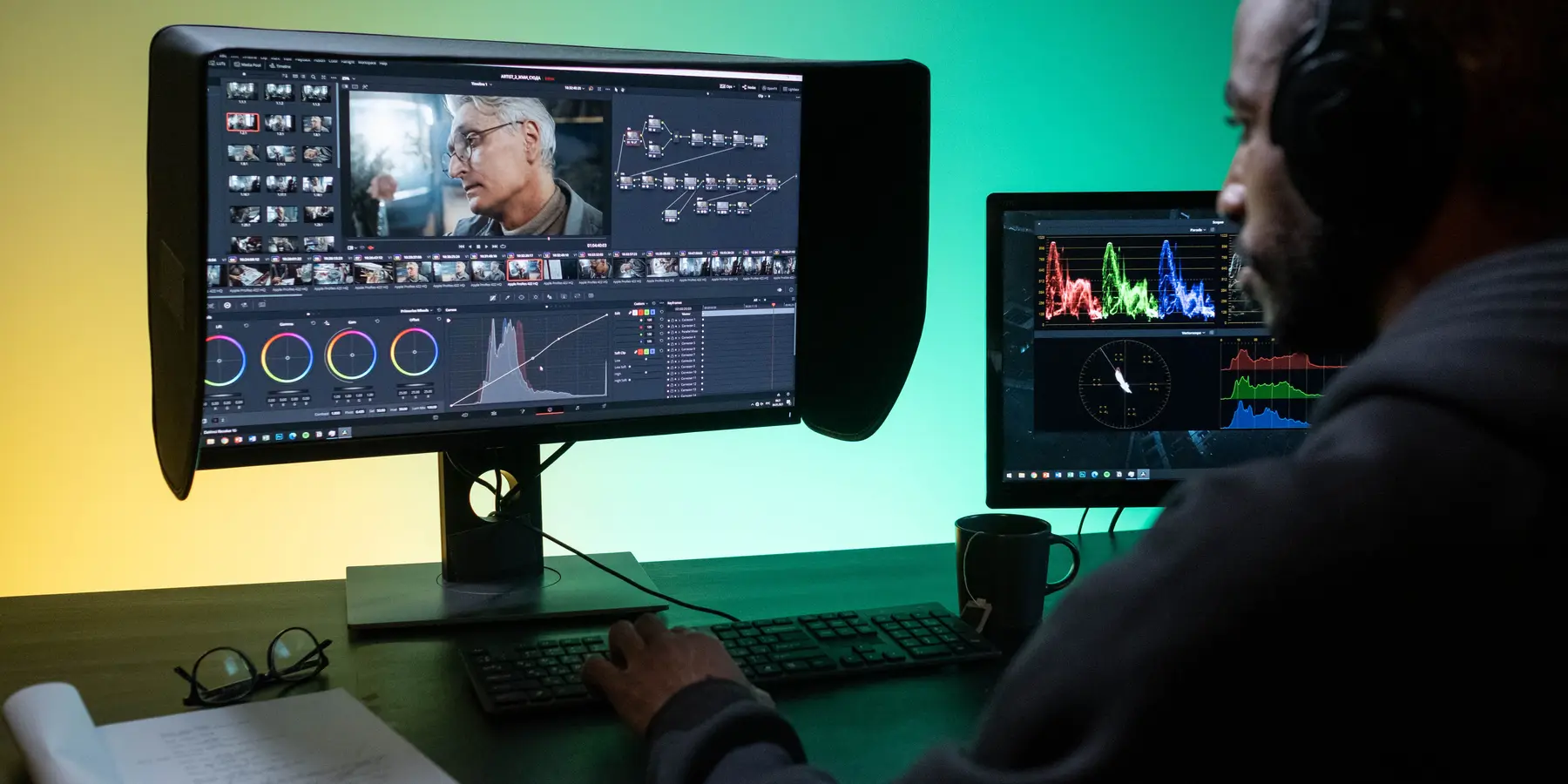
Cloud workstations
Powerful edit machines that live in our own UK-based data centre, right next to your storage. Your team connects remotely: the footage stays put and only the picture travels.
- What
- Edit workstations hosted in our own data centre, on the same network as your cloud storage. Editors connect from wherever they work, with a seamless 4K experience at near-zero latency.
- Who it’s for
- Remote and hybrid editors, freelancers joining a project, and studios that need extra edit seats without adding kit to the office.
- Why Duplia
- Our own data centre and equipment, a team focused on film & video, and fully managed support and monitoring from a Cyber Essentials certified, ICO registered business. We run the machines, so your editors can simply edit.
- Next step
- Tell us what you edit in and how many seats you need. Get in touch or call 01242 650 303.
14Years of
service
- 136Businesses
helped - 6.36PBOf data
managed - 2.8PBOf data backed
up daily - 23,296Hours of customer
support provided
SC.01 How it works
The edit suite moves to the data centre
Media and machine sit side by side on our network. Your editors see and control the workstation from wherever they are.
- V1 · STORE
Storage
Your media lives on our cloud storage in the data centre: one copy, shared by the whole team.
- V2 · EDIT
Workstation
The workstation sits on the same network as the storage, with up to 25Gbps of connectivity, so it works on full-resolution media directly.
- V3 · VIEW
Remote access
Editors connect over the internet with remote-access software. Only the picture is streamed; the media stays in the data centre.
SC.02 Why cloud
A full edit seat, wherever your editors are
Next to your storage
No waiting for large media to download: the workstation reads it directly from storage in the same data centre.
Work from anywhere
Editors connect from home, the studio or on location. Recommended: an internet connection of 30 Mbps or more, and a Mac or Windows computer or a thin client.
Footage stays secure
Media stays in our data centre rather than on laptops and portable drives.
Built for editing
Apple Mac mini and Mac Studio machines configured for film & video work, with hardware-accelerated ProRes, H.264 and HEVC, and up to a 36-core CPU, 80-core GPU and 512GB of memory.
Managed & monitored
We look after the hardware, so your editors can get on with the edit.
Scale with your projects
Add edit seats for a busy project. It can save on software too: licences are per machine rather than per person, so editors working different hours can share a licensed seat.
SC.03 The details
Spec sheet
- Location
- Duplia’s own UK-based data centre
- Machines
- Apple Mac mini and Mac Studio (Windows/Linux machines available on request)
- Mac mini
- Apple M6 or M5 Pro chip: up to 18-core CPU, 20-core GPU and 64GB unified memory
- Mac Studio
- Apple M5 Max or M5 Ultra chip: up to 36-core CPU, 80-core GPU and 512GB unified memory
- Media engines
- Hardware-accelerated ProRes, ProRes RAW, H.264 and HEVC
- Internal SSD
- Up to 8TB (Mac mini) or 16TB (Mac Studio)
- Operating system
- Remote access
- A seamless 4K experience at near-zero latency
- Connection to storage
- Up to 25Gbps
- Editor’s connection
- Recommended: 30 Mbps or faster, on a Mac or Windows computer or a thin client
- Support
- Ongoing support, maintenance & monitoring from our team
- Uptime
- 99.999%
- Pricing
- From £200 per month
- Minimum term
- 12 months
END Next step
Give your editors a seat anywhere
We manage the machines and the storage beside them, so your editors can focus on what they do best.