
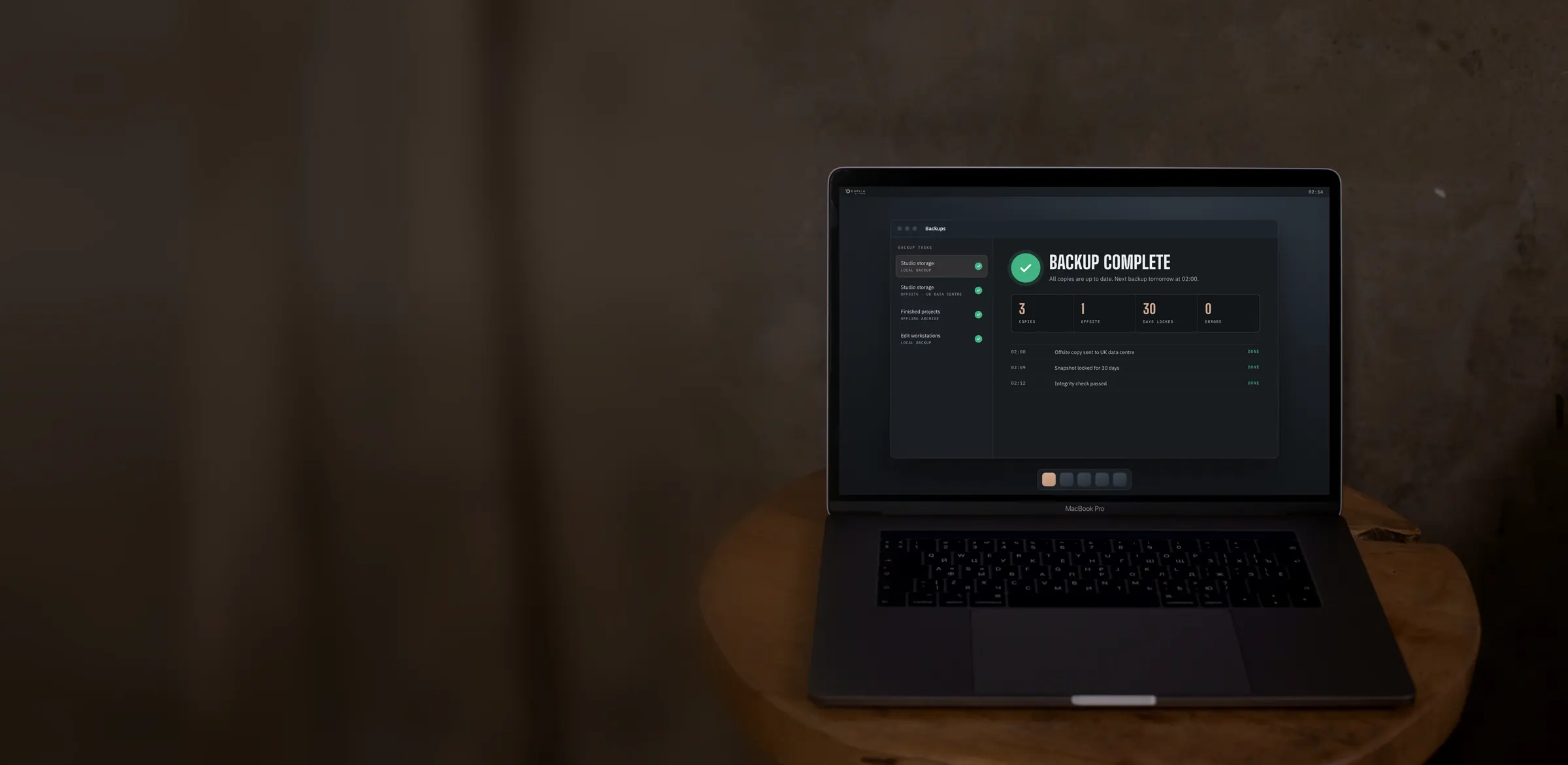
Good backup practice
Drives fail, files get deleted, offices get broken into and buildings catch fire. A good backup plan means none of those becomes the day you lose your work. Here’s what a good plan looks like, and why.
- The rule
- Keep 3 copies of your data, on 2 different types of storage, with 1 copy offsite.
- Against ransomware
- Make at least one copy immutable or offline, so an attacker can’t encrypt or delete it.
- Against fire & theft
- Keep a copy well away from the building, so one incident can’t take every copy.
- Most important
- Test your restores. A backup you’ve never restored from is only a hope.
SC.01 The UK picture
Data loss is common
The latest official UK figures show how often businesses are hit by the things a backup protects against.
- 43%
of UK businesses reported a cyber security breach or attack in the last 12 months, around 612,000 businesses.
Cyber Security Breaches Survey 2025/26 - 50%
of small businesses suffer a cyber incident every year.
National Cyber Security Centre - 1 in 4
UK businesses don’t back up their data securely to a cloud service.
Cyber Security Breaches Survey 2025/26 - 13,134
fires in commercial buildings in England in the year to March 2025: about 36 every day.
Fire and rescue incident statistics, MHCLG - 20%
of UK small and medium-sized businesses have been hit by ransomware.
Censornet UK Cyber Resilience Report 2024 - 34%
of UK ransomware victims paid the ransom, at an average cost of £139,368.
Censornet UK Cyber Resilience Report 2024
Full sources are listed at the end of this page.
SC.02 The 3-2-1 rule
Three copies, two types, one offsite
The 3-2-1 rule is the backup industry’s long-standing rule of thumb. It’s simple, and it protects you from almost every way of losing data.
- 3
Three copies of your data
Your working copy plus two backups. If one copy fails, you still have two.
- 2
Two different types of storage
For example your shared storage plus a separate backup device, drives or tape, so one fault or bad batch of drives can’t affect every copy.
- 1
One copy offsite
Kept in a different building, well away from your office, so a fire, flood or break-in can’t reach it.
PLUS 3-2-1-1-0
Many teams now go one step further. The extra 1 is a copy that’s immutable or offline, out of reach of ransomware. The 0 is zero errors: backups are checked and test restores are run, so you know every copy will actually restore.
SC.03 Immutability & ransomware
Backups an attacker can’t touch
Ransomware encrypts every file it can reach, then demands payment for the key. Attackers look for backups first, because deleting them is what makes victims pay.
Immutable copies
An immutable backup is locked for a set period. Nobody can change or delete it, not even an administrator, and not an attacker using stolen passwords.
Versions to roll back to
Keep daily versions going back weeks, not just last night’s. Ransomware can sit quietly for days before it strikes, so you need a version from before it arrived.
Separate access
Use different logins, with multi-factor authentication, for your backups than for everyday work. A compromised laptop shouldn’t be able to reach them.
An offline copy
Drives or tapes that are disconnected and stored away can’t be reached over the network at all. It’s the oldest form of immutability, and still one of the best.
Don’t rely on sync
A synced folder copies changes straight away, including encrypted files and deletions. Sync is useful for sharing, but it isn’t a backup.
Watch for warnings
Monitoring that spots failed jobs or unusual changes, such as thousands of files changing at once, gives you early warning of a problem.
SC.04 Fire, flood & theft
One building, one point of failure
Backing up to a second device in the same room protects you from a failed drive, but not from a fire, a burst pipe or a break-in. Thieves take the computers and the backup drive sitting next to them, and a fire doesn’t care which shelf the drives are on.
That’s why the 3-2-1 rule insists on an offsite copy, far enough away that the same incident can’t reach it. Drives or tapes kept offsite should be stored in fire-rated data safes, protected from heat, water and static.
SC.05 What protects you from what
No single copy covers everything
Each layer guards against different risks. Put them together and nothing on the list can take all of your data.
| Cause of loss | Redundant drives | Second copy on site | Versioning | Immutable or offline copy | Offsite copy |
|---|---|---|---|---|---|
| Drive failure | Protects | Protects | No | Protects | Protects |
| Accidental deletion | No | Partly | Protects | Protects | Partly |
| Ransomware | No | No | Partly | Protects | Partly |
| Theft | No | No | No | Partly | Protects |
| Fire or flood | No | No | No | Partly | Protects |
Partly depends on how it’s set up: a second copy only helps with deletion if it hasn’t synced yet, an offsite copy only beats ransomware if the attacker can’t reach or delete it, and an offline copy only survives fire or theft if it’s kept somewhere else.
SC.06 Checklist
A good backup plan, step by step
Use this to check your own setup. If you can’t tick every line, we’re happy to take a look.
Know what you need to protect
Live projects, finished masters, rushes, project files, email and accounts. Decide how far back you might need to go.
Follow 3-2-1
Three copies, two types of storage, one offsite.
Make one copy immutable or offline
So ransomware and stolen passwords can’t reach it.
Automate it
Scheduled backups run every day without anyone remembering to start them.
Encrypt it
Backups should be encrypted in transit and at rest, especially the copy that leaves the building.
Monitor it
Someone should be told when a backup fails, and check that it’s fixed.
Test your restores
Restore a few files regularly, and a whole project now and again. Time it, so you know how long a real recovery would take.
Write it down
Who to call, where the copies are and how to get them back, kept somewhere you can reach if your office can’t be used.
SC.07 How we help
We look after your backups, so you don’t have to
We set up and manage each part of the 3-2-1 rule for you, so you can focus on what you do best.
Copies 1 & 2: on site
Shared storage with built-in redundancy in your studio, with a local backup alongside it. Local storage
Copy 3: offsite
Automated, encrypted cloud backup to our own UK-based data centre, with versions to restore from, including from before a ransomware attack. Offsite backup
The offline copy
Finished projects archived to drives or LTO and kept in our fire-rated data safes. Offline archive
REF Sources & further reading
- Cyber Security Breaches Survey 2025/26, Department for Science, Innovation and Technology and Home Office, published April 2026.
- Fire and rescue incident statistics, year ending March 2025, England. Figure is fires in “other buildings”, meaning buildings other than homes.
- UK Cyber Resilience Report 2024, Censornet, a survey of 200 UK IT and security leaders at small and medium-sized businesses, March 2024.
- Small organisations guide to cyber security, National Cyber Security Centre.
- Small Business Guide: backing up your data, National Cyber Security Centre.
END Next step
How safe are your backups?
Tell us how you back up today and we’ll show you where the gaps are, with no obligation.